
Public trust service

Certificates

Validate an issued NOTICE certificate using the verification code shown on the controlled certificate record.

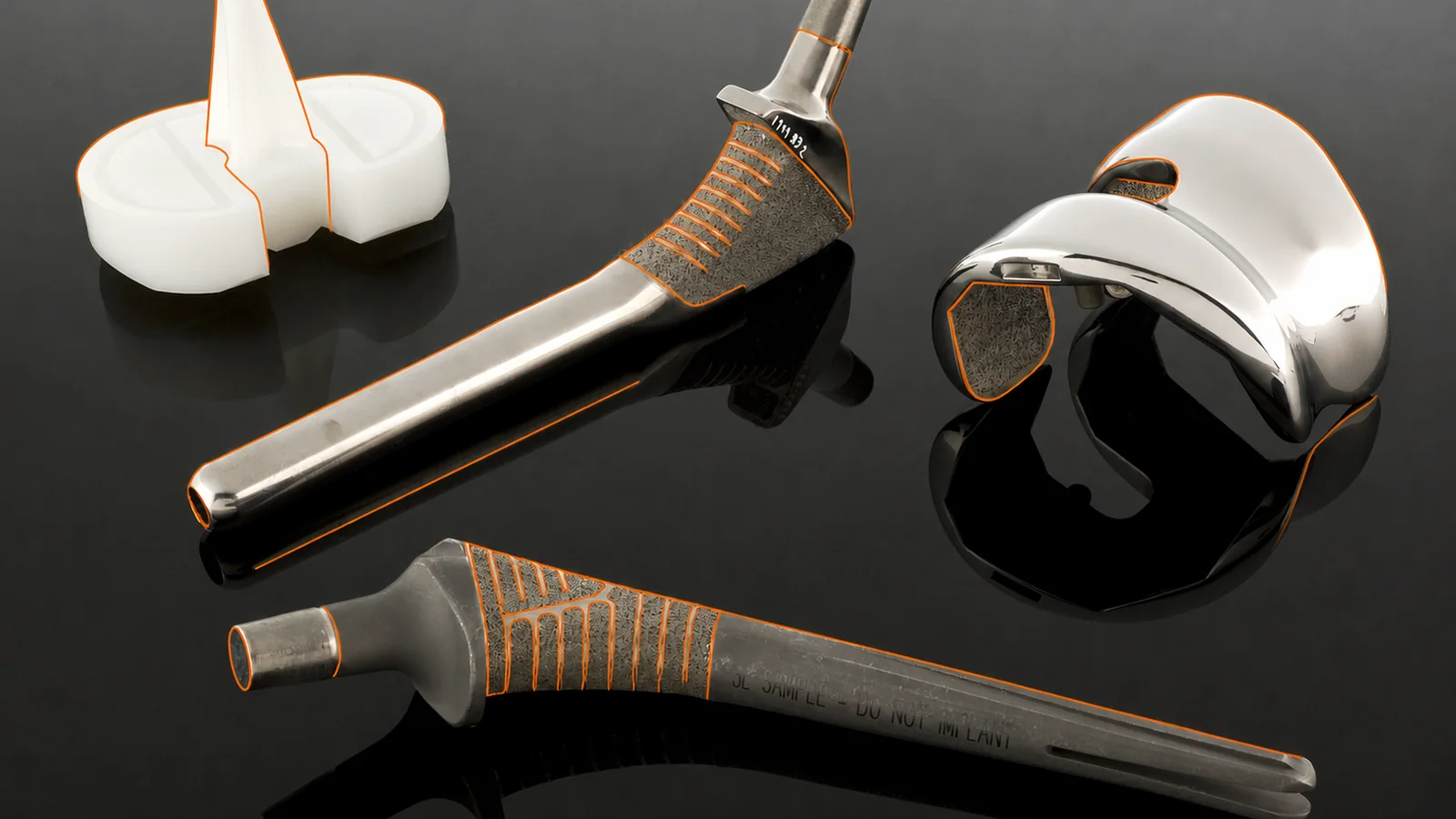
Orthopaedic implant components prepared for conformity-assessment review
01

Use the controlled code

Enter the verification code exactly as shown on the issued certificate. Do not rely on an image, email attachment or third-party list as evidence of current status.

02

Read the current status

The result reports the controlled status available from the NOTICE certificate register. Scope, validity dates and lifecycle restrictions must be read together.

03

Request clarification

If a certificate cannot be found or the displayed information differs from the document presented to you, contact NOTICE through the published channel before relying on it.

Practical guidance

Frequently asked questions

Does a successful search replace the certificate itself?

No. Public verification supports authenticity and status checking; the controlled certificate, its scope, dates and any restrictions remain the authoritative record.

What should I do if the code returns no result?

Check the code exactly as printed. If no result remains, contact NOTICE and do not treat the presented document as verified until clarification is received.

Secure portal service

Verify a NOTICE certificate

Enter the certificate number for a legacy record or the validation reference shown on a current certificate. Verification is performed by the secure NOTICE portal.